AI compute
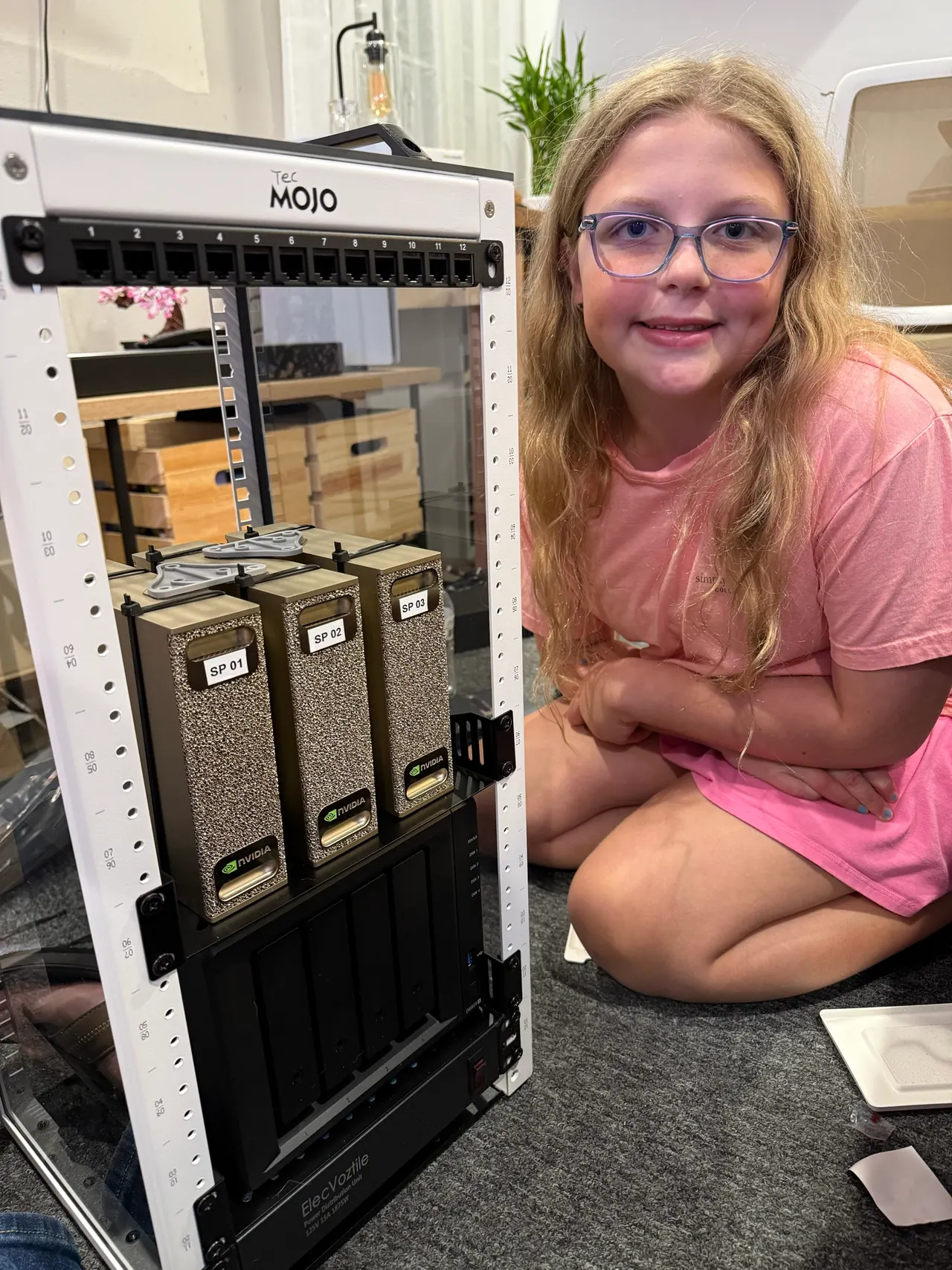
3 × NVIDIA DGX Spark
128 GB unified memory and 4 TB NVMe each. 384 GB of memory across three separate machines for inference and training experiments. The build thread describes a two-Spark pair plus one standalone Spark.
The Hackers in the Loop Lab
A mini cluster and test benches for open source work, with the aim of sharing spare capacity so more people can learn, research, and build.
For open research and projects, with public progress and results. Review the application expectations below.
Inventory / September 13, 2026
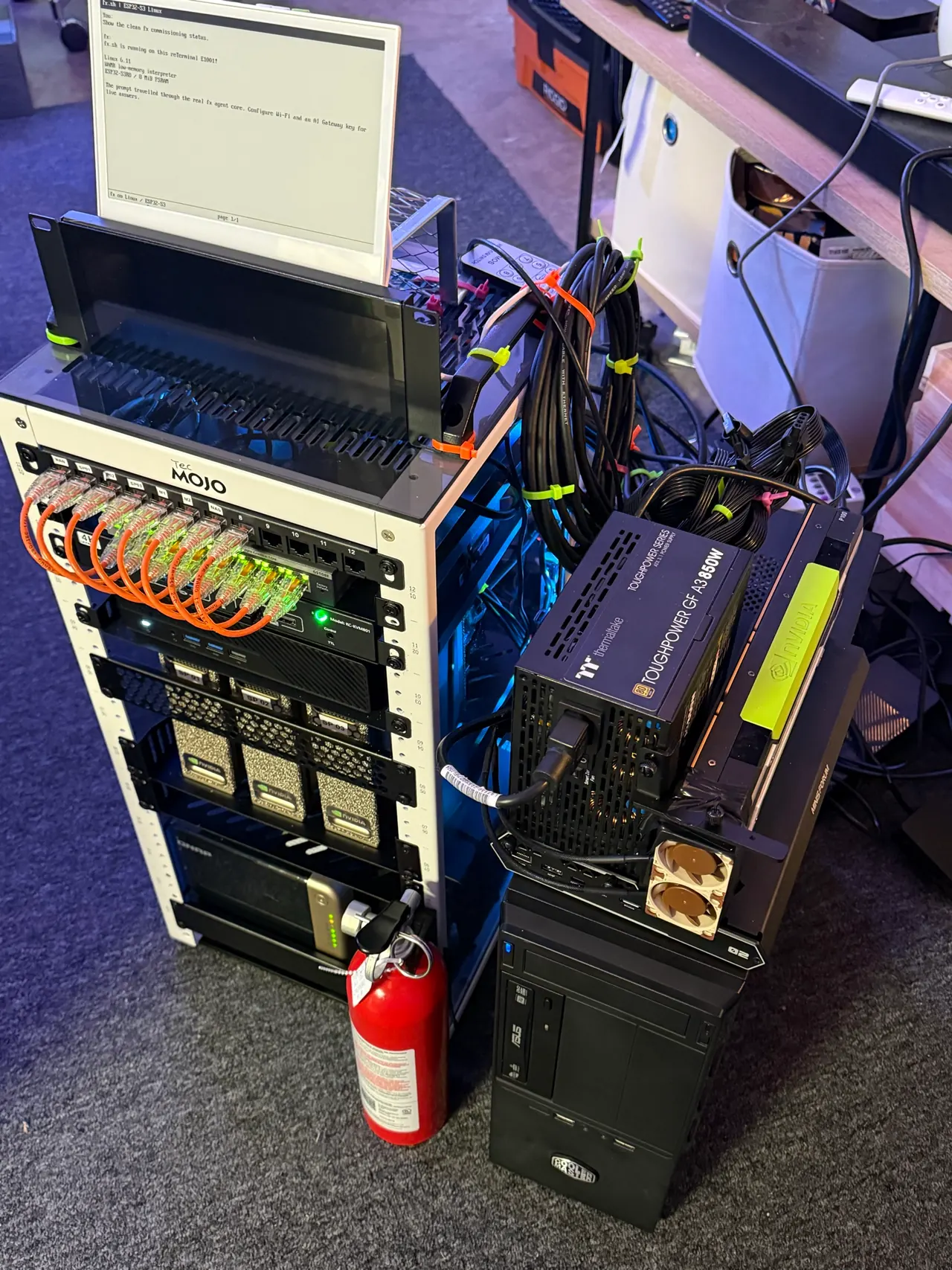
Equipment and experimental configurations from the build notes and subsequent acquisitions. The inventory does not indicate remote availability or member allocations.
AI compute
128 GB unified memory and 4 TB NVMe each. 384 GB of memory across three separate machines for inference and training experiments. The build thread describes a two-Spark pair plus one standalone Spark.
General compute
MS-A2: Ryzen 9 9955HX, 96 GB RAM, 6 TB SSD. N150 controller: 16 GB, 500 GB SSD + 5 TB USB HDD. K15: Core Ultra 5 125U, 32 GB, 512 GB SSD + 4 TB NVMe; also hosts the GPU bench.
GPU bench
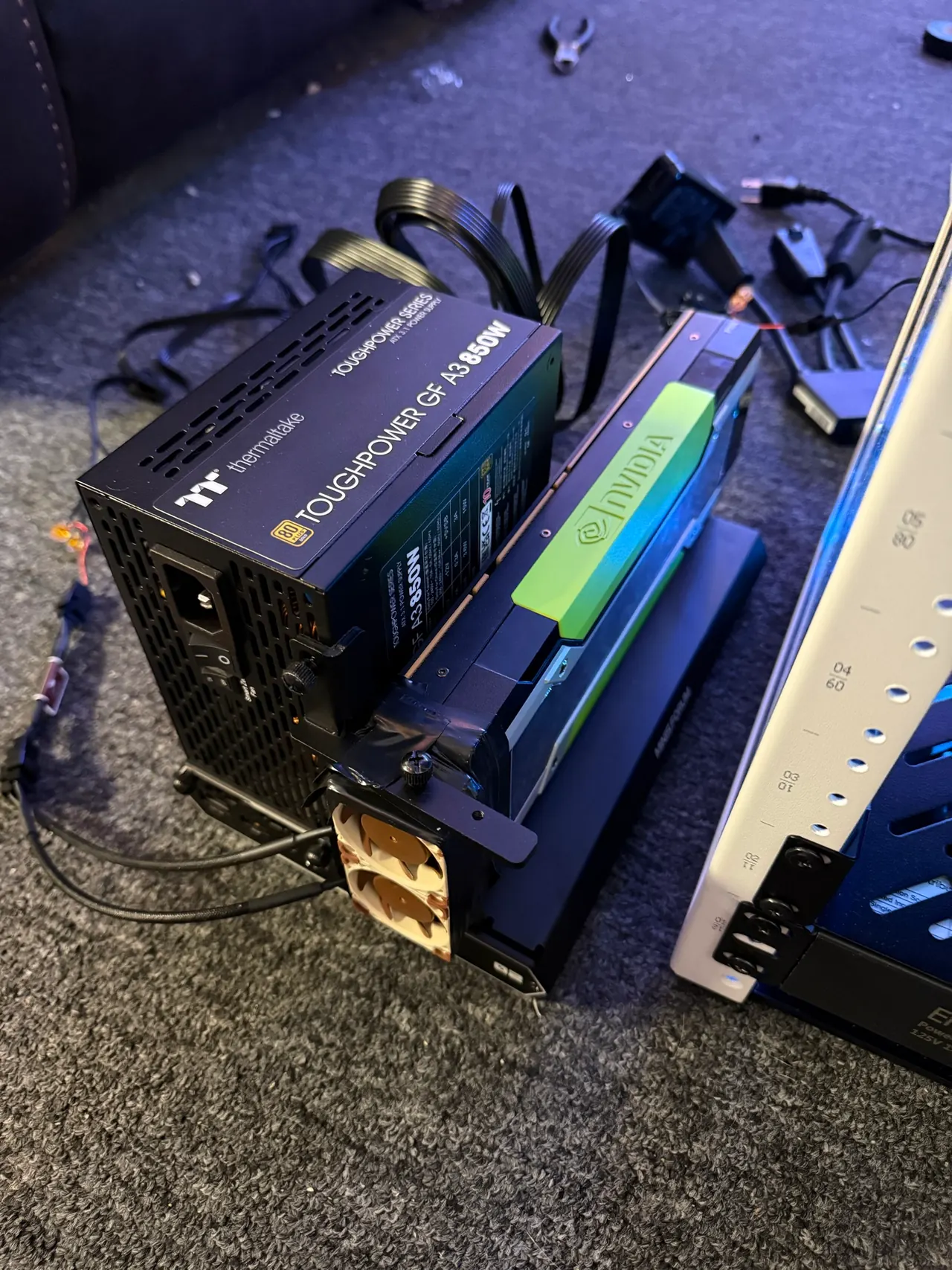
8 P100s, 2 V100s, 2 BC-160s, and 2 Radeon VIIs, including ten spares, plus one newly acquired NVIDIA P4 8 GB with installation unconfirmed. The K15 connects to a DEG2 dock with a 2 TB NVMe drive. Only one GPU is installed in the dock at a time.
Storage
4 × 8 TB WD Red Plus HDDs in RAID5: 32 TB raw, about 24 TB after parity and before overhead. One 4 TB WD Blue NVMe drive provides the Qtier SSD tier.
Small-device experiments
Custom i5 host with 8 GB RAM and a PCIe slot; TANG Primer 20K, Stratix V, Kintex-7, and XCKU3P FPGA platforms. Orange Pi 6, M5Stack ESP32-S3, AX630C LLM module, and the experimental Agent Blade.
Rack and control
NETGEAR GS108E with eight Gigabit ports and VLAN support; patch panel, eight-port KVM, rack displays, fans, power meter, and essential-load UPS. The GPU and microbench sit alongside the rack.
New in the Lab
Acquired / Quantity 1
One 8 GB GPU added to the Lab inventory. Installation and availability for projects are not yet confirmed.
Cost and power estimates are not yet included.
Free compute / Requests open
The compute grant application is a request for access to hardware for open research and projects. Submitting it does not provision compute or guarantee an allocation.
Requests are reviewed against available capacity. Access and resource allocations are arranged after review; there is no immediate booking through the form.
The form asks applicants to conduct open work that contributes back, share progress and results publicly, and tag the community. Read its full agreements before applying.
Community participation is separate. You don’t need to apply for compute to join a conversation or share your work.
Connect with the community →Support the Lab
Hardware and hosting support can make more room for community projects. Tell us what you can offer and any constraints.
Tell us what you can offer and any constraints. Equipment, delivery, hosting, and operating arrangements can be discussed before anything changes hands.
Stewardship / Planning estimates
Priced inventory estimate
$29,749
September 11–12, 2026 pricing snapshot. Replacement estimate, not the amount spent or a donation valuation. Excludes the newly acquired NVIDIA P4, which has not yet been priced.
| Setup | Idle | Working | Heavy |
|---|---|---|---|
| Core cluster | 229.8 W | 406.5 W | 907 W |
| Whole lab | 339.3 W | 693 W | 1,413 W |
Planning estimates, not meter readings. Whole lab adds the V100 dock, FPGA and small-device benches, and a projected populated Agent Blade. Spare GPUs are not added together. The newly acquired P4 is not included in this power model. The 750 VA UPS serves essential loads and is not sized for the whole lab at heavy load.
The inventory workbook includes each item’s cost, its power group, and the assumptions behind these estimates. Shared components and spare cards are not counted twice.
Choose a daily schedule. The remaining hours use the idle estimate.
329.2 kWh · 16 hours idle + 8 hours mixed work each day
Planning estimates, not meter readings. Excludes room cooling, the household router, fixed utility charges, and battery recharging after an outage. The whole-lab model includes a projected, populated Agent Blade.
September 6–8, 2026 / The build journey
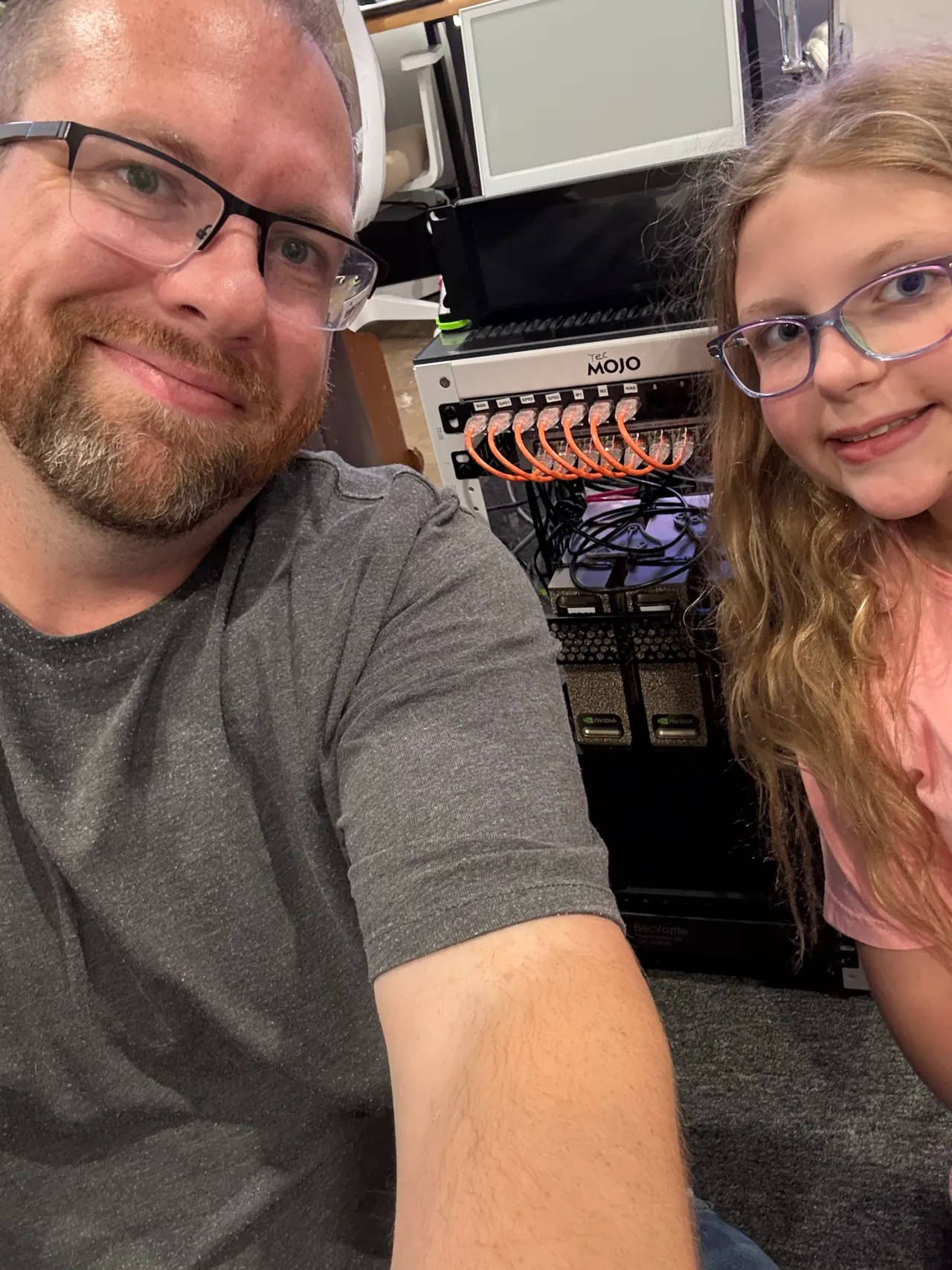
This mini cluster was a project Shannon built with his daughter.
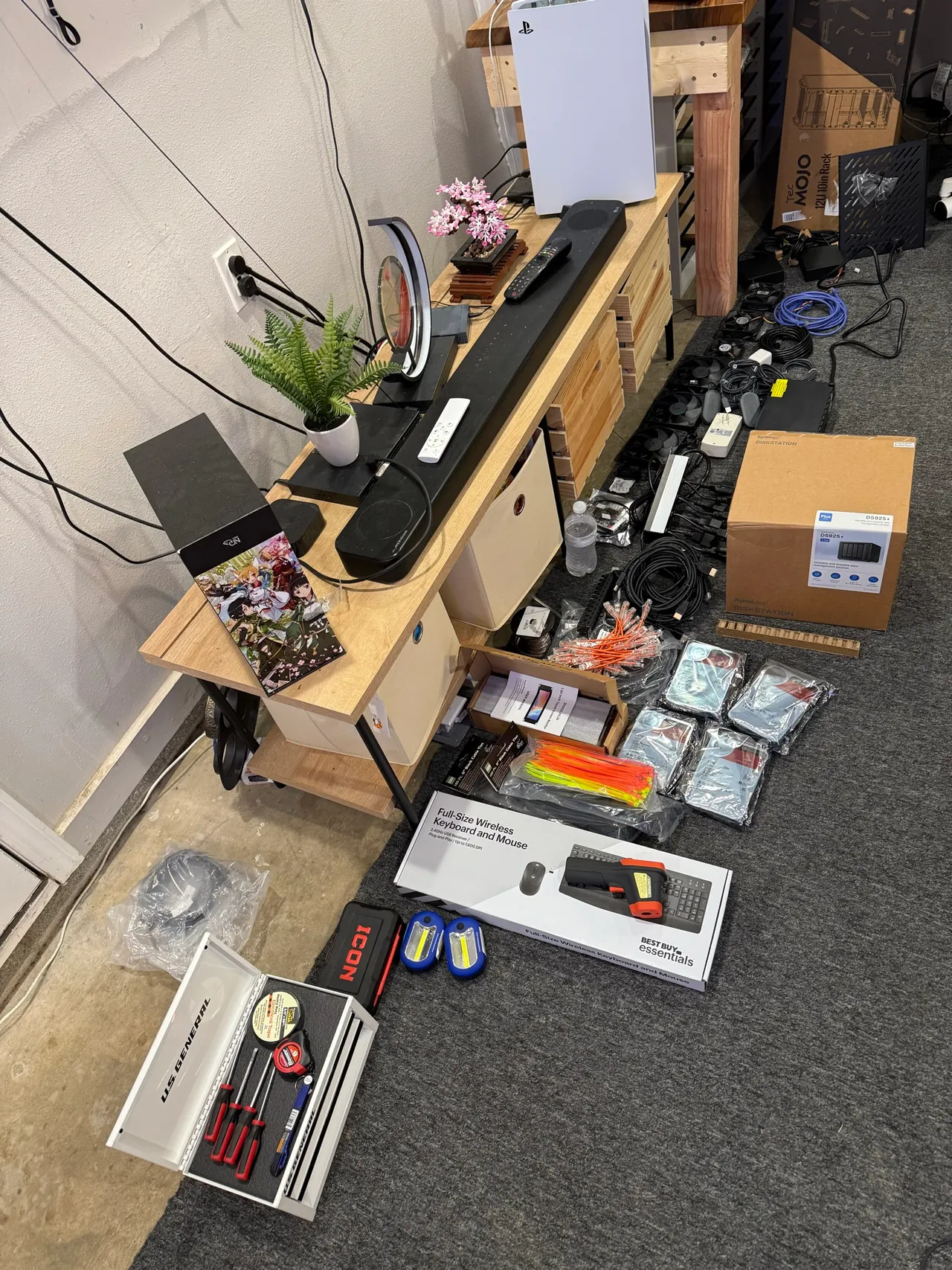
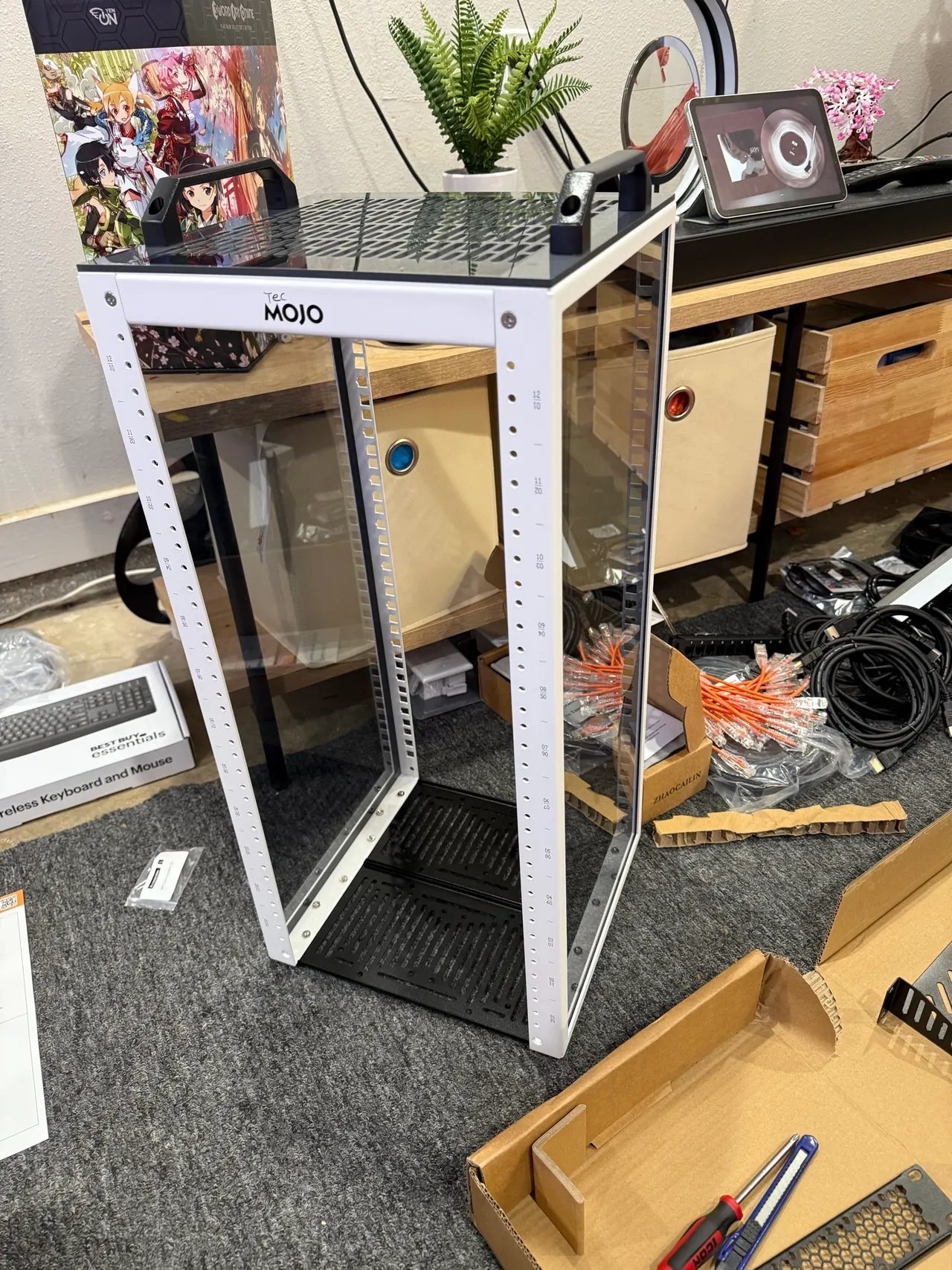
The first evening meant laying out parts, assembling the rack, and figuring out how everything would fit. His daughter picked the colorful zip ties for the exhaust fan and suggested putting a mini PC on the back to make room.
After coffee and donuts, they returned to network cabling, cooling, and conversations about AC, DC, and why current matters. By September 8, the first two Sparks and a mini PC were online, brought up one system at a time using a Mac and HDMI capture as the console.